A digital product sells when you decide one buyer, one file format and one platform before you open any design tool. “No inventory, no shipping” pulled me in, and my first file still went nowhere, because I started drawing before I decided who it was for.
Below are 14 digital products you can create and sell, each with the size, the tool and the place where it usually breaks. Pick one in a minute, build it this week.
Quick answer:
- Easiest first product: a printable planner page in US Letter and A4 (idea 4).
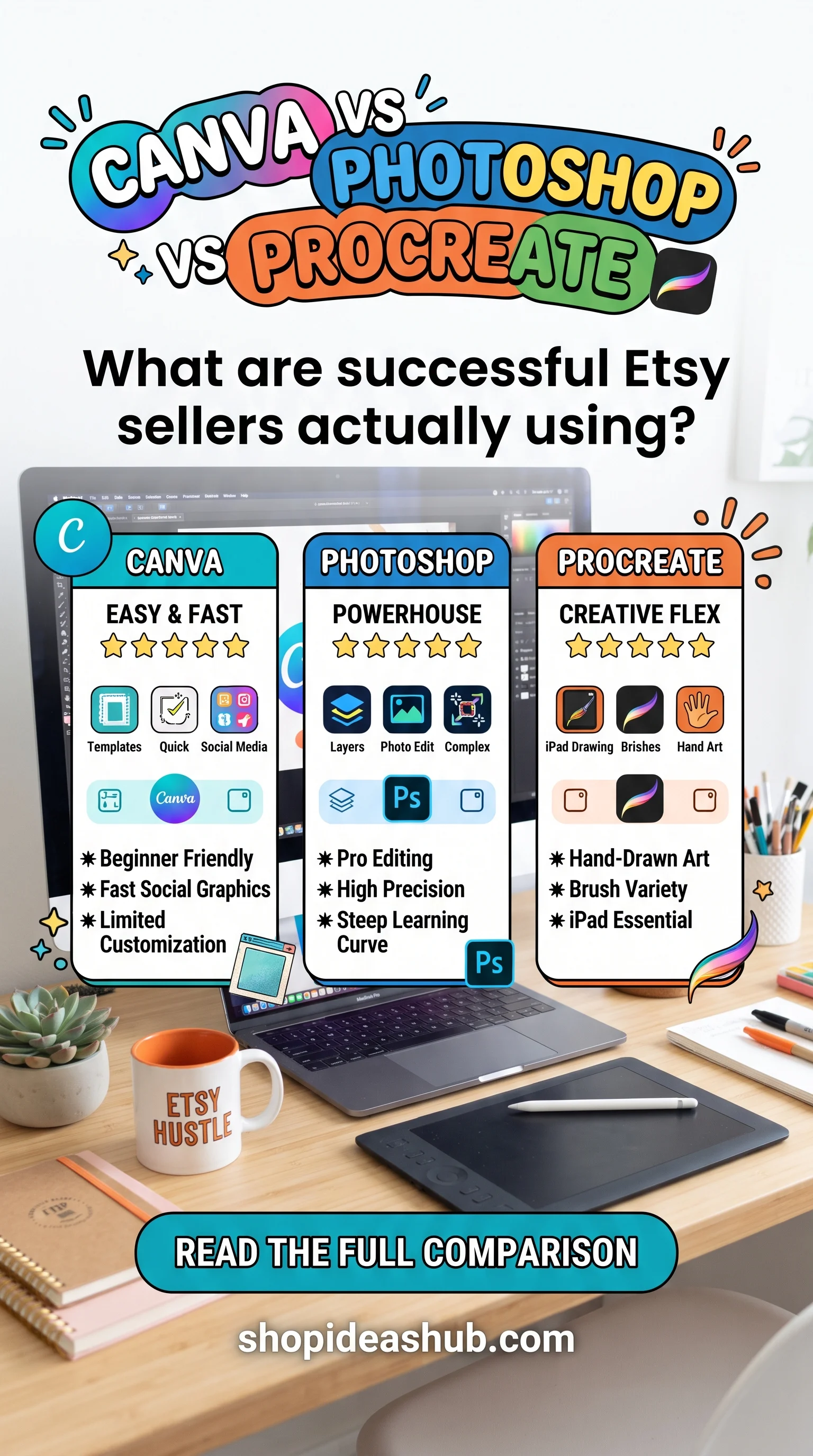
- Best tool: a free Canva account, since Canva came up in 38 seller posts against 12 for Photoshop.
- Before you build: set the canvas size and check that every font and graphic may be resold.
- Before you publish: make a preview image, an instructions page and a copy of the file for the buyer.
The rest of this page is the order I follow now: size first, rights second, design third. Start with the table if you already know who you want to sell to. If you only want the wider list, the page on digital products to sell compares formats side by side, and digital products to sell online covers shops beyond Etsy.
The file is never the hard part. Knowing who opens it, on what screen or paper, and what they expect to be able to change, is.
That one sentence decides the canvas, the format and the preview image, so write it down before you pick a tool. You will save yourself the rework I did on my first three files.
What Is a Digital Product?
A digital product is a file a buyer downloads and uses without anything being shipped, such as a printable planner, a Canva template or a wall art set. You make it once, list it, and the same file is delivered to every buyer. What you sell is the usable file plus the right to use it.
Pick Your Product in One Table: Need X for Y, Take Z
Find the buyer you can picture, take the product in the second column, then jump to the numbered idea.
| Preview | Idea | Best for | Platform · effort · license | Avoid if |
|---|---|---|---|---|
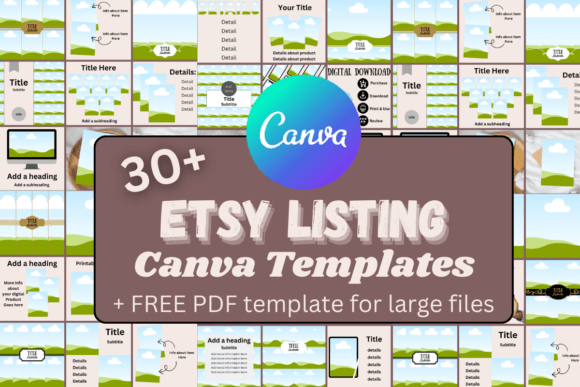 |
1. Listing template set | A new Etsy seller with a blank shop | Etsy · 5 hours · template license | Using one photo for the whole gallery |
 |
2. Digital paper and ephemera pack | A crafter who needs paper pieces | Etsy · 8 hours · check paper source | Tiles with visible seams |
 |
3. Book and planner mockups | A seller with many planner pages | Etsy, own site · 10 hours · scene license | One angle for every listing |
 |
4. Printable planner page | A parent or teacher who prints at home | Etsy · 1 afternoon · own design | Only one paper size |
 |
5. Printable wall art | A renter decorating a small wall | Etsy, Pinterest · 6 hours · art you may resell | Wrong ratios in the file |
 |
6. Canva template bundle | Someone who wants to edit text themselves | Etsy, Canva · 10 hours · editable license | No copy-first instructions |
 |
7. Sales tracker spreadsheet | A freelancer tracking income | Etsy · 6 hours · own formulas | Formulas that break in another app |
 |
8. Planner sticker pages | A planner crafter who builds pages | Etsy, own site · 5 hours · layer rights | Flat files with no layers |
 |
9. Product mockup scenes | Another seller who needs previews | Etsy · 10 hours · resale rights | Scenes you cannot resell |
 |
10. Listing photo templates | A shop owner with weak listing photos | Etsy · 6 hours · own layout | Text too small in the thumbnail |
 |
11. Font and graphic pack | A seller who needs fonts and graphics | Etsy · 8 hours · commercial license | Files made for personal use only |
 |
12. Starter template kit | A beginner who wants a head start | Etsy, Gumroad · 12 hours · kit license | Selling the kit unchanged |
 |
13. Print-ready checklist | A coach handing out worksheets | Own site, Etsy · 3 hours · own text | Margins cut by home printers |
 |
14. Seller starter bundle | An Etsy owner who wants one bundle | Etsy · 12 hours · license per piece | Mixing licenses in one archive |


How Do You Choose a Digital Product to Create?
Three checks decide whether a product is worth your evening. Each one is a place where the free route stops working.
- Is there a commercial licence? Free for a personal project does not mean free to resell, and free graphics rarely allow it. A pack that states resale rights in writing replaces nine separate licence checks.
- Is there demand on Etsy? Check the search bar autocomplete and eRank, which 20 sellers mentioned against 4 for Everbee. A quiet category means less proof, and also less competition.
- How many hours to the first listing? The file takes an afternoon, and the preview takes longer. Count both before you choose.
 Pin it

The tool matters less than the sequence. A free account and a template you understand finished my first product, while a paid suite only added a learning curve. Upgrade when you hit a real gap, such as layered files or a vector for a cutting machine, and read where AI tools fit into a shop before paying for one.
1. Etsy Listing Template Set in Canva
One Canva set gives every listing in your shop the same gallery.
- Best for: new shops that list several products with one look
- Avoid for: shops with a single listing, where one photo is enough
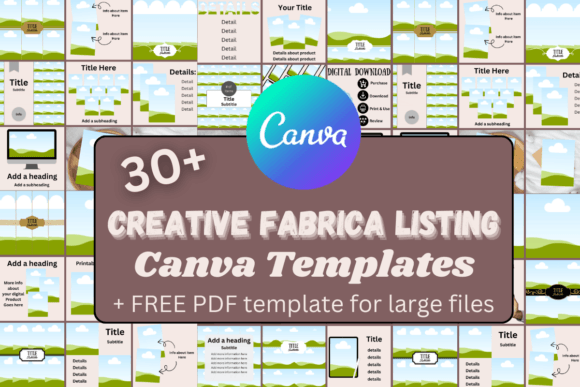
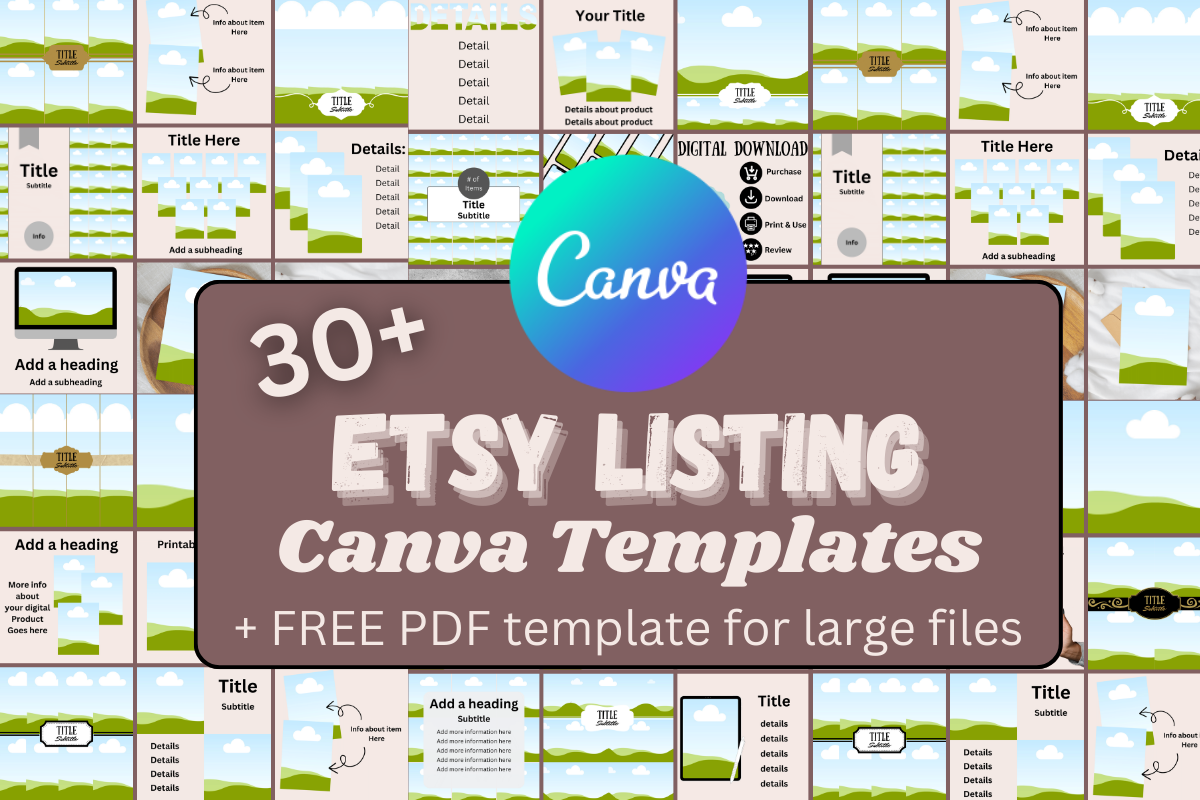
Inside are more than 30 customizable Canva templates for the images of a digital product listing, plus a PDF link template for delivery.
Sellers open a shop and list five products in a month, then notice every gallery looks different. They reach for a set before the autumn gift season, when traffic rises.
To make your own, build one square cover, four detail slides and an instructions page at 2000 × 2000 px, and keep the headline in the top third. Check demand in eRank for your niche first, and check the commercial license of every font and graphic. A first set takes about five hours.
This Etsy listing Canva template set — It holds more than 30 editable listing templates for digital products, with a bonus PDF link template.
2. Digital Paper and Ephemera Pack for Crafters
Crafters pay for paper pieces they can print and cut tonight.
- Best for: junk journal and scrapbook crafters who print at home
- Avoid for: patterns copied from a brand, a film or another seller
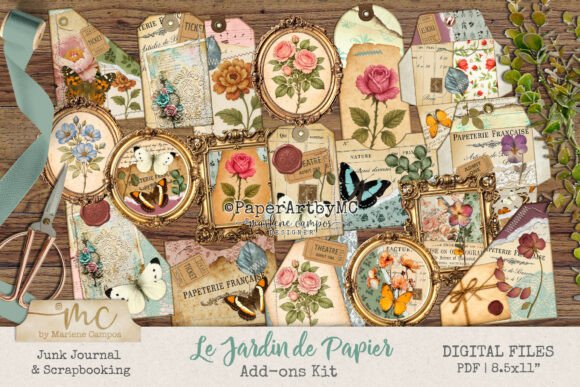
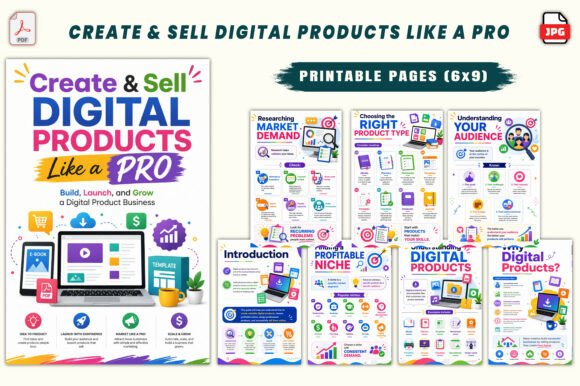
This vintage French garden kit holds floral tags, layered papers, frames and decorative elements for fussy cutting and journaling.
Buyers are journalers and card makers who print on cardstock and want a matching theme. They shop before gift-making season and on slow weekends.
To make your own, choose one theme, such as a garden or a library, and export 12 sheets at 12 × 12 in and 300 DPI. Check eRank for the theme before you draw, and read the license on every texture or brush. A first pack takes about eight hours, and a styled mockup takes one more.
The Ephemera Kit Le Jardin De Papier — It is a printable set for junk journals and scrapbooking, made for matte cardstock.
3. Planner and Workbook Mockup Scenes
Sellers of planners need scenes where their pages look like a real book.
- Best for: sellers with planners, journals or workbooks
- Avoid for: single-page products that do not need a book shape
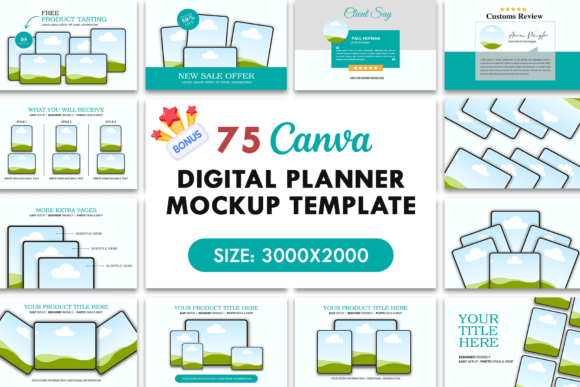
The bundle has 75 Canva frame mockups for digital planner listings, where you drop in your own pages and change colors and fonts.
The buyer is another seller, usually one who has a planner finished and a dull listing photo. They buy in the weeks before a new planner year, when many launch at once.
To make your own, build each scene on a 3000 × 2000 px canvas and mark the drop-in area as one frame, so a buyer swaps the page in a click. Search eRank for planner mockups before you start, and check the license of any stock photo in the scene. Five scenes take about ten hours.
This planner listing mockup bundle — It gives you 75 Canva mockups made for digital planner listings.
4. Printable Planner Page
A printable planner page is the simplest first product, because the buyer only prints and writes.
- Best for: parents, students and teachers who print at home
- Avoid for: buyers who want a link to edit, not a flat page
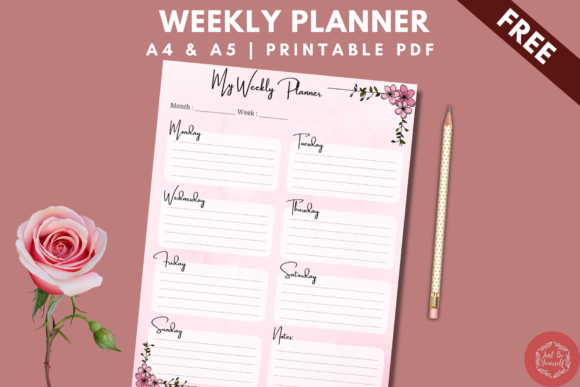
This ready example is a weekly planner delivered as a ZIP with two PDFs, one in A5 and one in A4.
Buyers print a few pages at a time for the home desk, the office or school. Sales rise in late December and in August, when people start a new routine.
To make your own, set up US Letter (2550 × 3300 px) and A4 (2480 × 3508 px) separately, because one does not scale into the other. Search eRank for the exact page type before you build. The design takes about two hours, and the preview and listing take another afternoon. Check any font license first.
 Pin it
 Pin it
This printable weekly planner — It comes as a ZIP with A5 and A4 PDFs for home or office printing.
5. Printable Wall Art Set
A wall art set is one design that a buyer prints at the size of their wall.
- Best for: renters and gift buyers who print at a shop
- Avoid for: anyone who needs a single-size file only
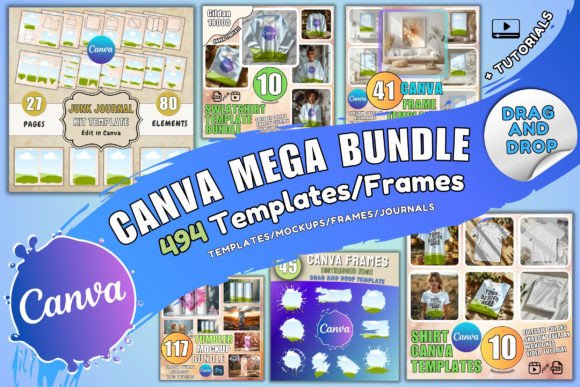
The bundle holds 41 wall art templates inside more than 350 Canva frames, templates and mockups, with 13 tutorials, delivered as three PDFs with download links.
Home decorators and gift buyers search for it before moving house or a holiday. Wall art sells most in autumn and just before December.
To make your own, export one design in several ratios, such as 8 × 10 in (2400 × 3000 px) and 12 × 18 in (3600 × 5400 px), and name every ratio in the listing. Check wall art demand in eRank and the license of every image. A first set takes about six hours.
 Pin it
This Canva wall art and journal template bundle — It includes 41 wall art templates and works only in Canva.
6. Editable Canva Template Bundle
An editable template is a Canva link, so the buyer must copy it before typing.
- Best for: buyers who need to change names, dates or colours
- Avoid for: buyers who want a finished file without editing
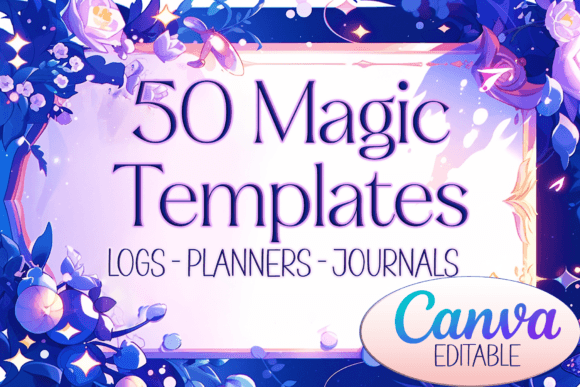
The set has 50 planners, log books, notebooks and journals in 6 × 9 in, each with a cover and a single sheet, and every page is named.
People who run a ritual or hobby journal buy it for a themed notebook of their own. Demand peaks around autumn and the new year.
To make your own, write the copy-first step in bold at the top of the instructions page, lock elements that must not move and keep the fonts inside the template. Check eRank for the journal theme, and read the license of every font you add. A bundle of ten pages takes about ten hours.
 Pin it
The 50 Magic Life Templates Canva editable set — Each template comes with a cover and a single sheet, plus a Canva link in the download PDF.
7. Sales Tracker Spreadsheet
A tracker is bought for what it does, so it is easy to describe.
- Best for: freelancers and small sellers who watch their numbers
- Avoid for: buyers who expect automatic bank syncing
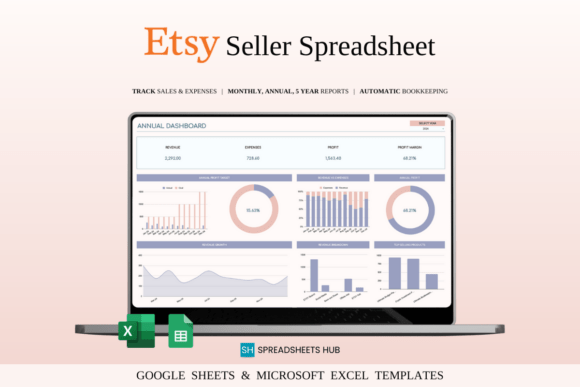
The spreadsheet tracks shop sales, costs and growth, with a performance tracker you can set to one month or a custom date range.
Etsy owners buy it in January, when they sort the year of orders, and again before tax time. It also suits makers who only just opened a shop.
To make your own, build one workbook with income, expenses and orders, and add one column other trackers miss. Test the formulas in two apps before you list. Look up demand in eRank first. If you use a template base, check its license. A first version takes about six hours.
 Pin it
This Etsy seller bookkeeping spreadsheet — It keeps sales, costs and growth for a digital or handmade shop in one workbook.
8. Editable Planner Sticker Pages

Planner crafters buy sticker sheets that they can recolor and print.
- Best for: planner crafters who assemble their own pages
- Avoid for: buyers who only want one finished page
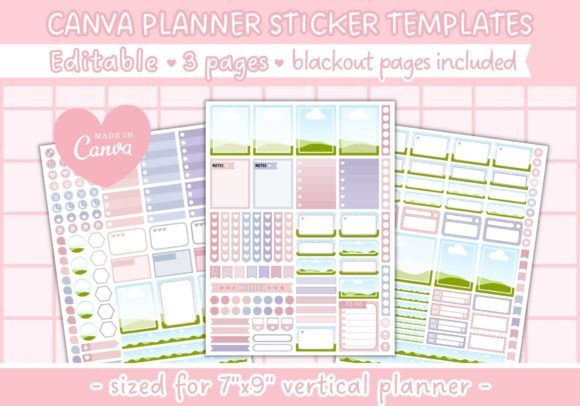
The Canva file has three editable pages of 6.75 × 9.25 in, sized for a 7 × 9 in vertical planner, with blackout pages for cutting machines.
Planner fans buy new sticker sets at the start of each month and before a new planner year. Cutting machine owners like the blackout pages.
To make your own, name every layer, so a buyer does not open fifty items called Layer 12. Check eRank for the sticker style, and the license of any icon you reuse. Export a print version and a cut version. Three pages take about five hours.
This Canva editable planner sticker set — It has three editable pages in 6.75 × 9.25 in for a vertical planner.
9. Product Mockup Scenes for Other Sellers
A mockup scene sells to sellers, not shoppers.
- Best for: sellers who hate photographing their files
- Avoid for: shops that sell only to end buyers
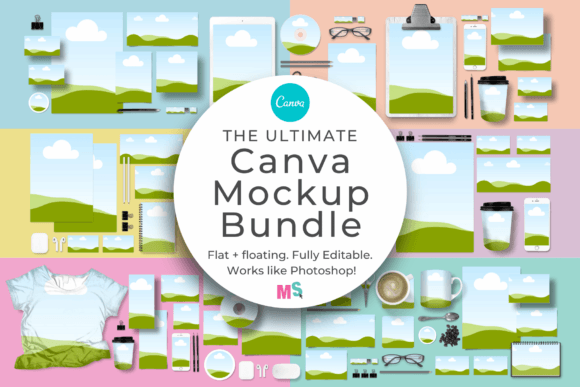
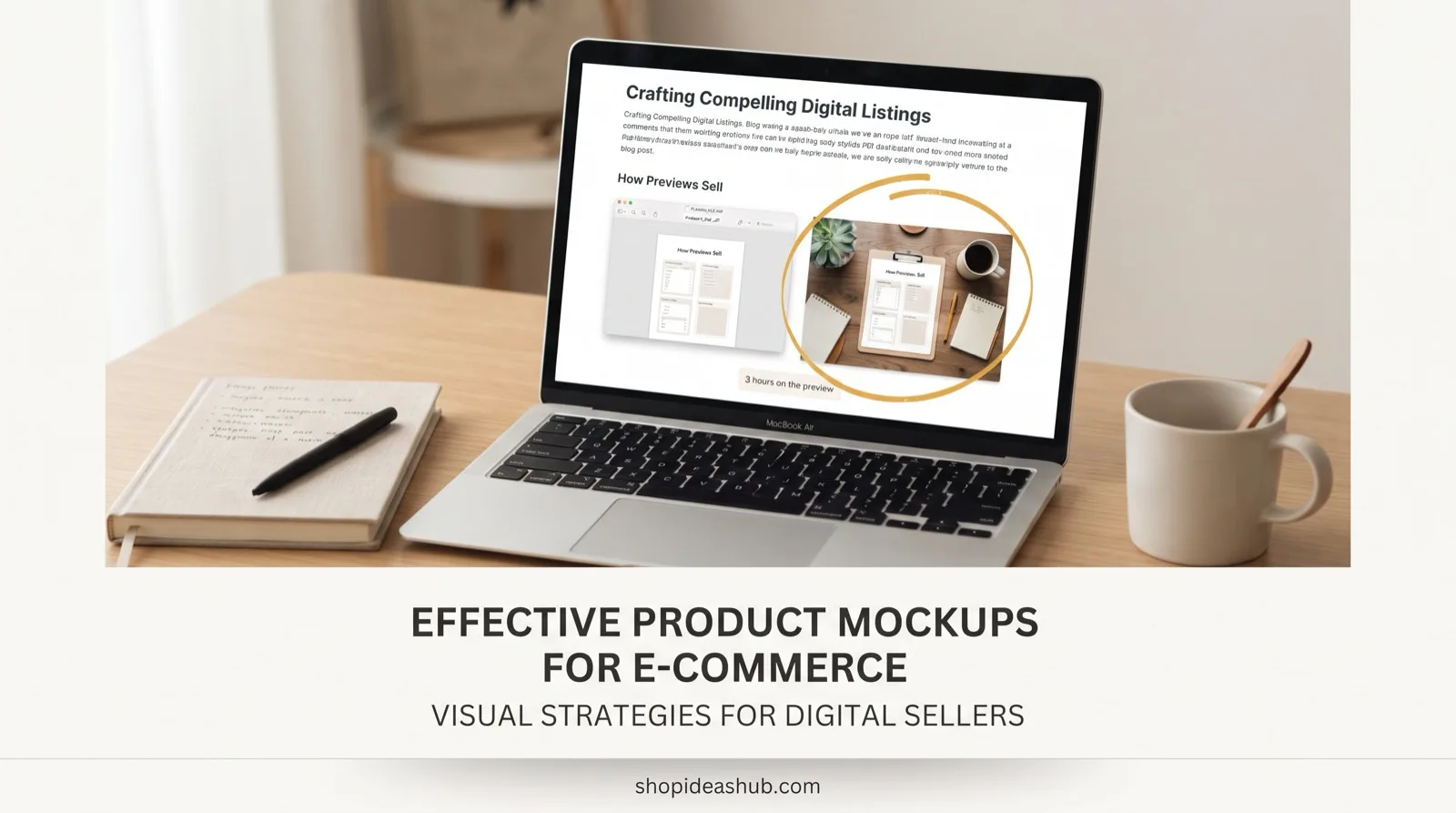
The bundle has eight large top-view mockups at 6000 × 4000 px in one Canva template, reached through a link in the user PDF.
Designers and shop owners use them for a portfolio, a social post or a listing cover. They buy before a launch, when a plain screenshot looks weak.
To make your own, ship a pack of five scenes with one consistent light and test a scene against a flat screenshot first. Check eRank for the object you stage, and check the license on every prop photo. Five scenes take about ten hours.
 Pin it
The Ultimate Canva Mockup Bundle — It holds eight top-view mockups in one Canva template.
10. Etsy Listing Photo Templates
Listing photo templates fill the five gallery squares of a product page.
- Best for: owners with strong files and weak listing photos
- Avoid for: shops that use only photographs
The set has more than 30 customizable Canva listing templates for digital products, with a bonus PDF link template.
Shop owners who already bought your mockups come back for them. They buy when they relaunch a shop or prepare a gift season.
To make your own, plan a cover, a detail, a size guide, a what-you-get slide and a how-to, and keep headline text above 60 px so it reads at thumbnail size. Check demand in eRank, and check the license of any font. A set takes about six hours.
These Creative Fabrica listing Canva templates — They are 30 plus editable listing layouts for digital products.
11. Licensed Font and Graphic Pack
A curated pack saves other makers the license hunt.
- Best for: makers who build products and need cleared elements
- Avoid for: anyone who cannot show the license in writing
This bundle includes 122 fonts in 64 typefaces, from serif and sans serif to calligraphy, signature, brush and hand lettering.
Planner makers, label sellers and Canva template sellers buy fonts before they start a new line. They shop at the start of a season, when every product needs a fresh look.
To make your own, you are not drawing new art, you are choosing, pairing and documenting. Check eRank for the pairing words, put the license file in the same folder, and name it so you find it a year later. A pack of 20 items takes about eight hours.
The Super Special Font Bundle — It holds 122 fonts in 64 typefaces across serif, script and brush styles.
12. Starter Template Kit for Beginners
A starter kit gives beginners a complete first product.
- Best for: beginners who stall at the blank page
- Avoid for: kits you could not describe in one sentence
The bundle for Canva template sellers brings listing images that explain the template process, a customization guide and a delivery template.
New sellers buy it when they have a first template but no professional delivery. They shop around the new year, when many open a shop.
To make your own, build three variants of one theme, so you can compare which preview gets more views. Keep the kit to three or four templates and describe it in one sentence. Check eRank for the theme and the license of every stock photo. About twelve hours to a first listing.
 Pin it
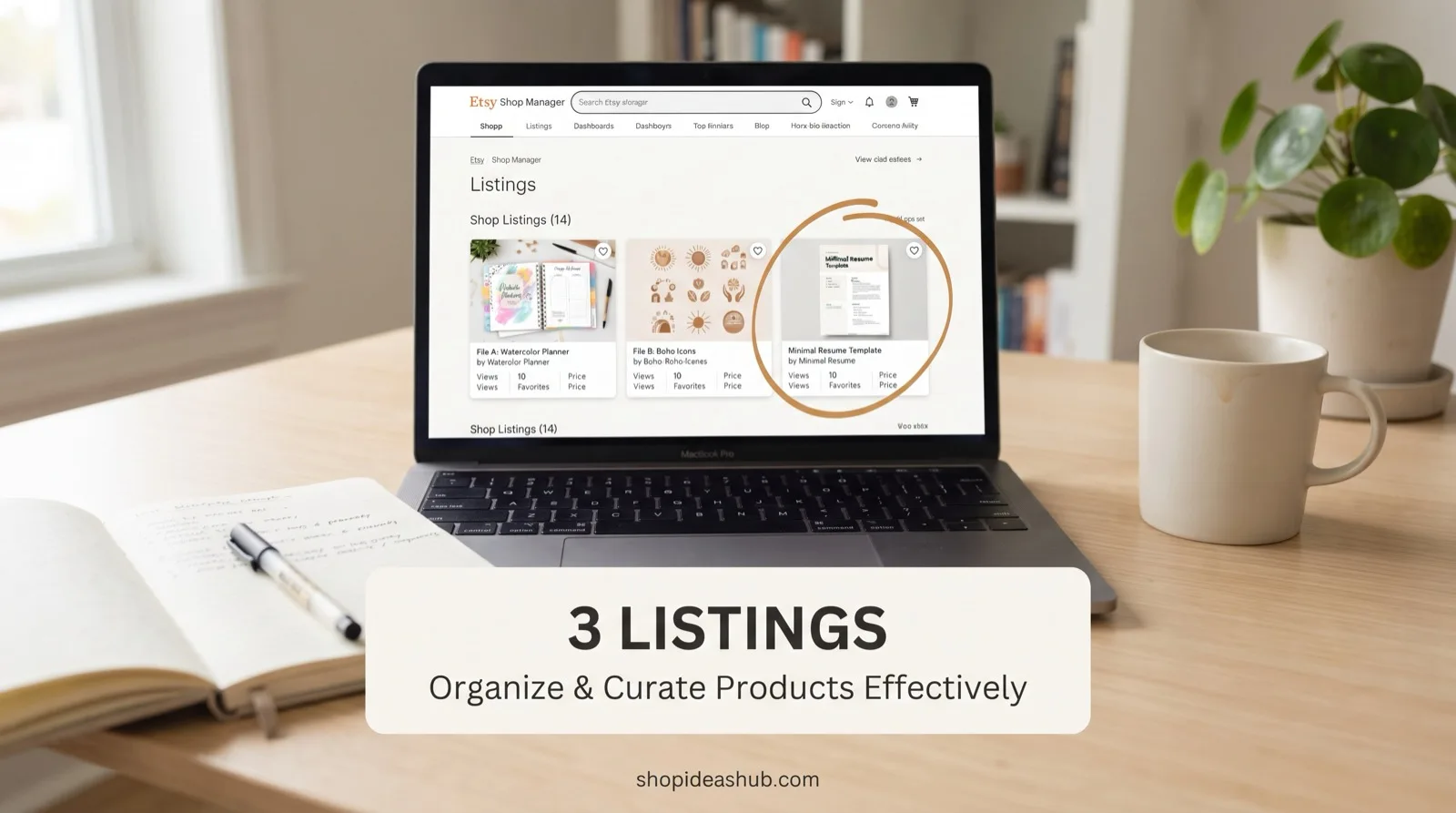
This Ultimate Canva Template Sellers Bundle — It comes with listing images, a customization guide and a delivery template.
13. Print-Ready PDF Checklist
A checklist is one flattened PDF that looks the same on every printer.
- Best for: coaches, teachers and trainers who hand out pages
- Avoid for: buyers who need editable text
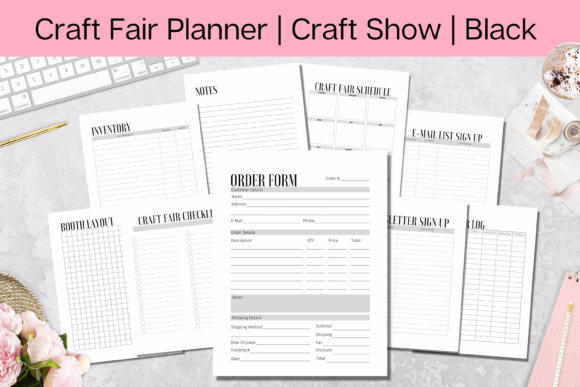
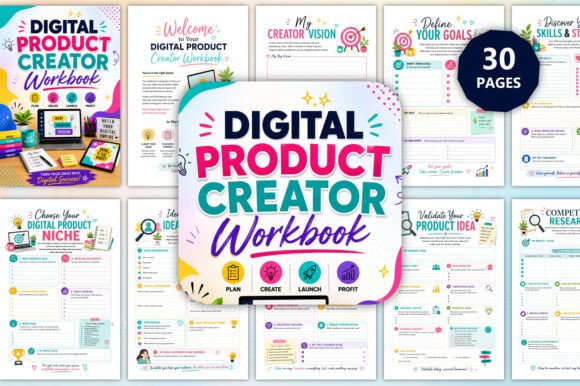
The set covers a craft fair, with an order form, a supplies checklist, a booth layout planner, an inventory tracker and a yearly show schedule.
Craft sellers print it before a fair season. It also suits trainers who hand out a checklist at an event.
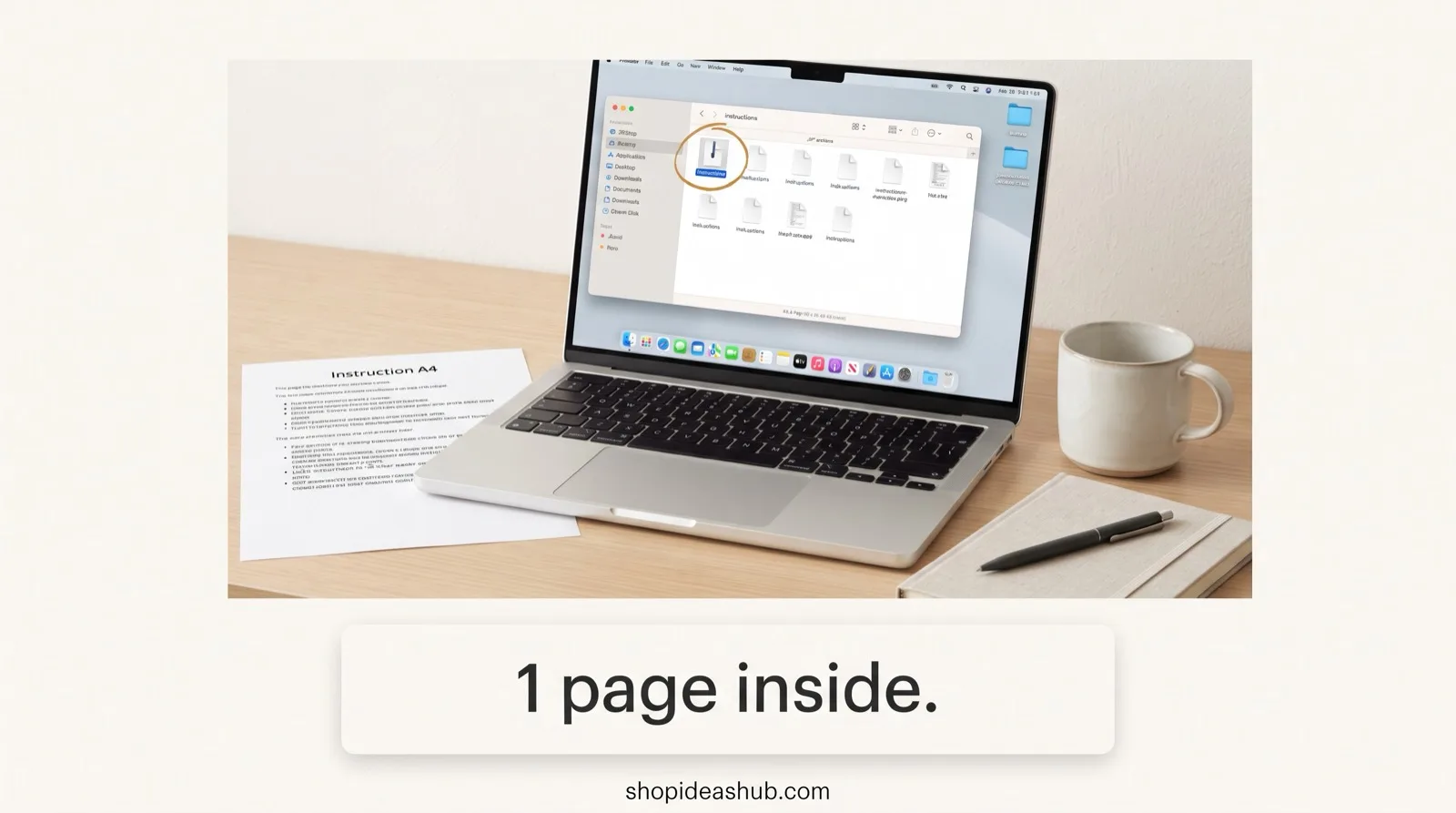
To make your own, embed the fonts, keep a 0.5 in margin because home printers cut edges, and add a one-page instruction sheet to the archive. Check eRank for the event type, and the license of every font. A first checklist takes about three hours.
 Pin it
This craft fair planner and checklist set — It includes an order form, a supplies checklist and a booth layout planner.
14. Etsy Seller Starter Bundle
A seller bundle packs several tools into one archive.
- Best for: shop owners who want one purchase instead of five
- Avoid for: bundles that mix licenses
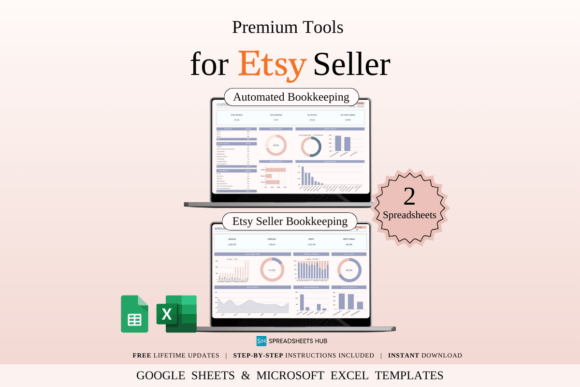
This set of Excel and Google Sheets templates covers income, expenses and profit, with automatic formulas and clean layouts, starting with an automated Etsy bookkeeping sheet.
Owners buy it at the start of the year or when sales grow and a notebook stops working. It sells to shops of every size.
To make your own, pack a listing template, a mockup and a tracker in one archive, and plan around the delivery limit of five files of 20 MB each. Check eRank for bundle demand, and check each piece’s license separately, because one personal-use element can cancel the rest. About twelve hours.
These premium templates for Etsy sellers — They are spreadsheet templates in Excel and Google Sheets for tracking income and costs.
If It Goes Wrong
Most failures happen after the file is finished, so each one has a fix you can apply today. For delivery limits on Etsy, see digital downloads to sell on Etsy.
- Views but no sales: buy your own product like a stranger. Search, read the first photo cold, and click through checkout. A preview with six styled pages when the file holds one is the usual culprit.
- A takedown or flag: you probably used a font or graphic licensed only for personal use. Keep the licence file with the product and use one library whose licence covers resale.
- A confused buyer: (the printables-on-Etsy guide shows a sample) add an instructions page to the archive naming the software, the steps and the resale right.
- No idea what works: build three products, not one. One item is a coincidence, three show a pattern.
 Pin it

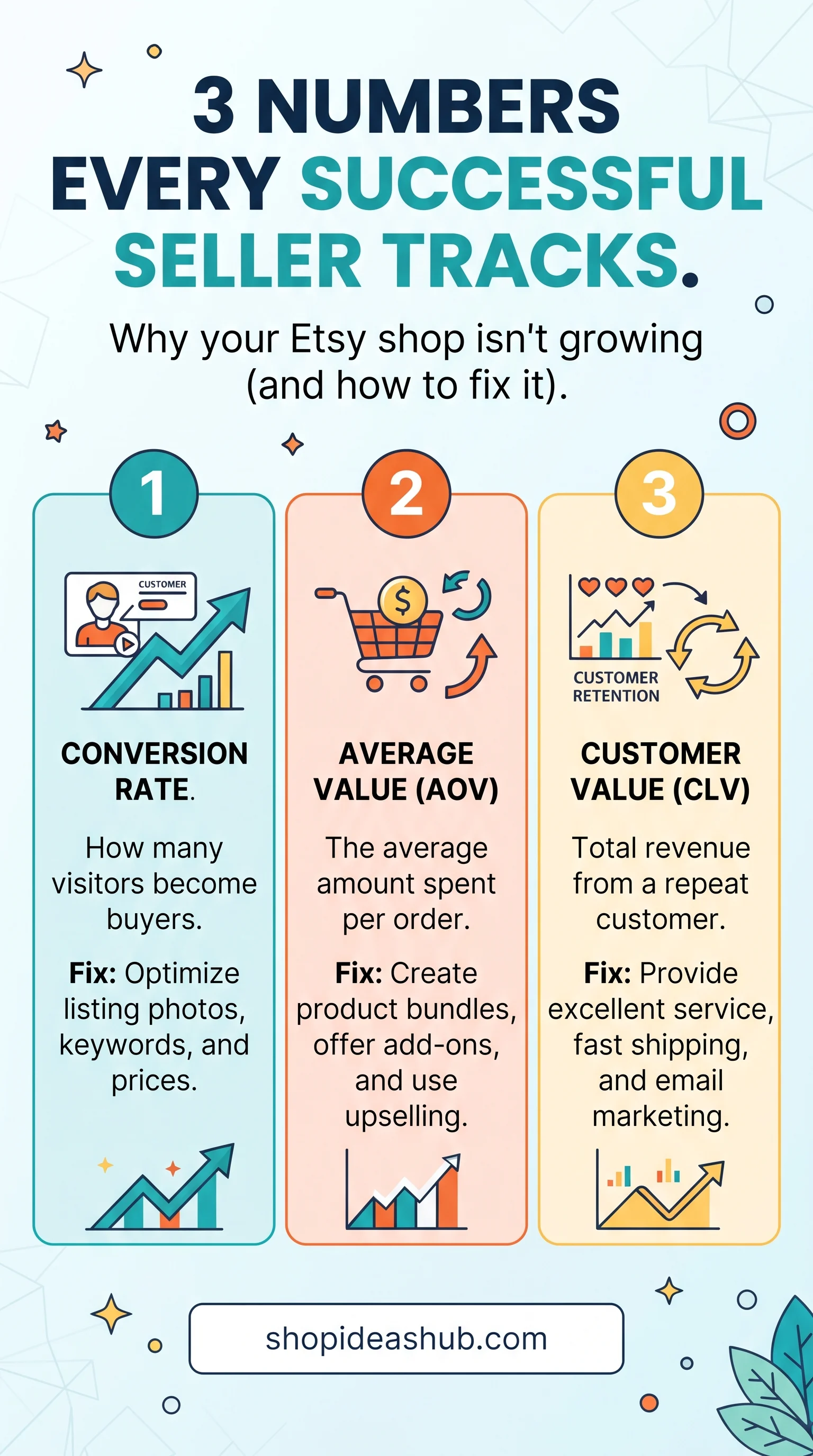
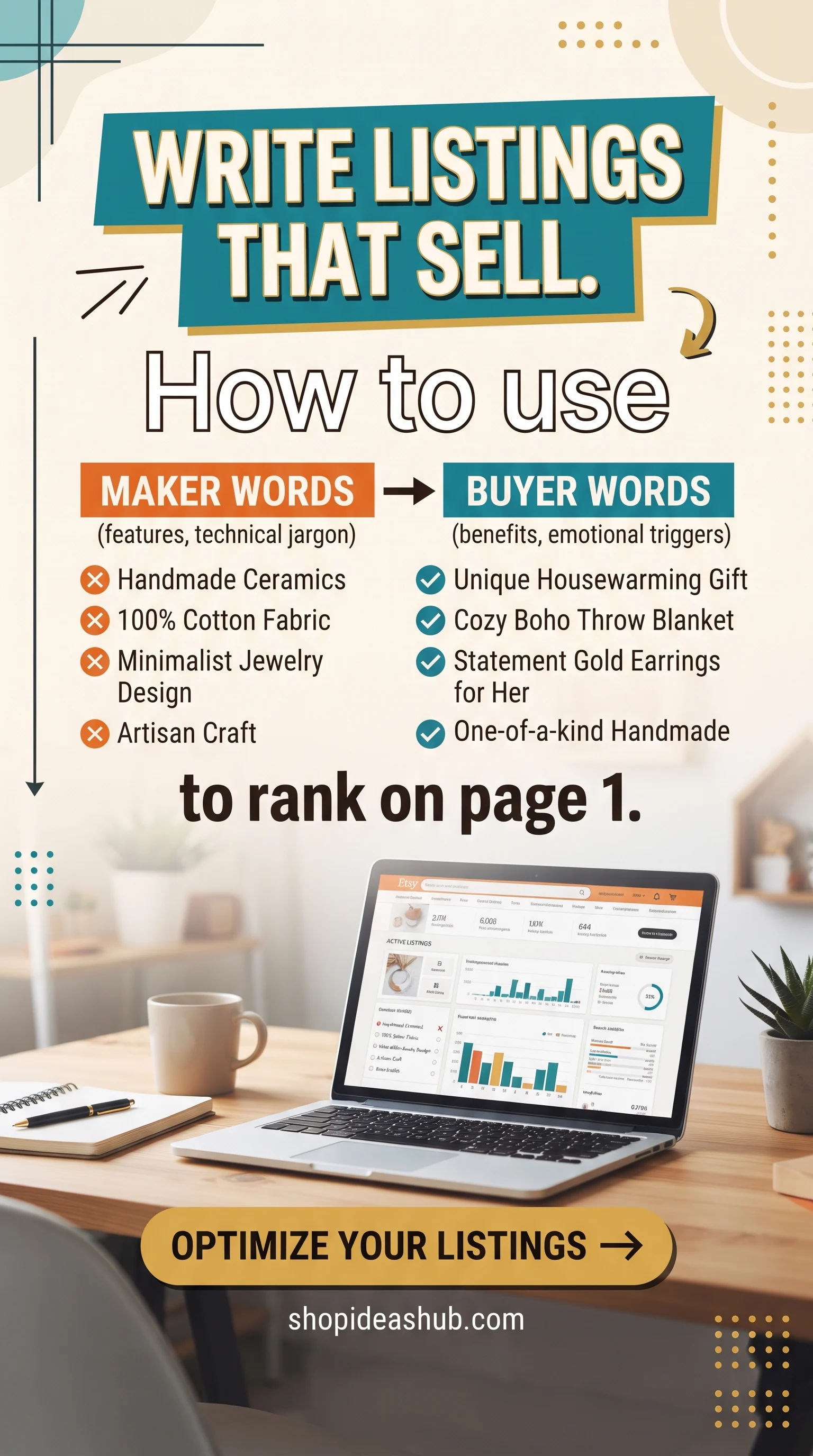
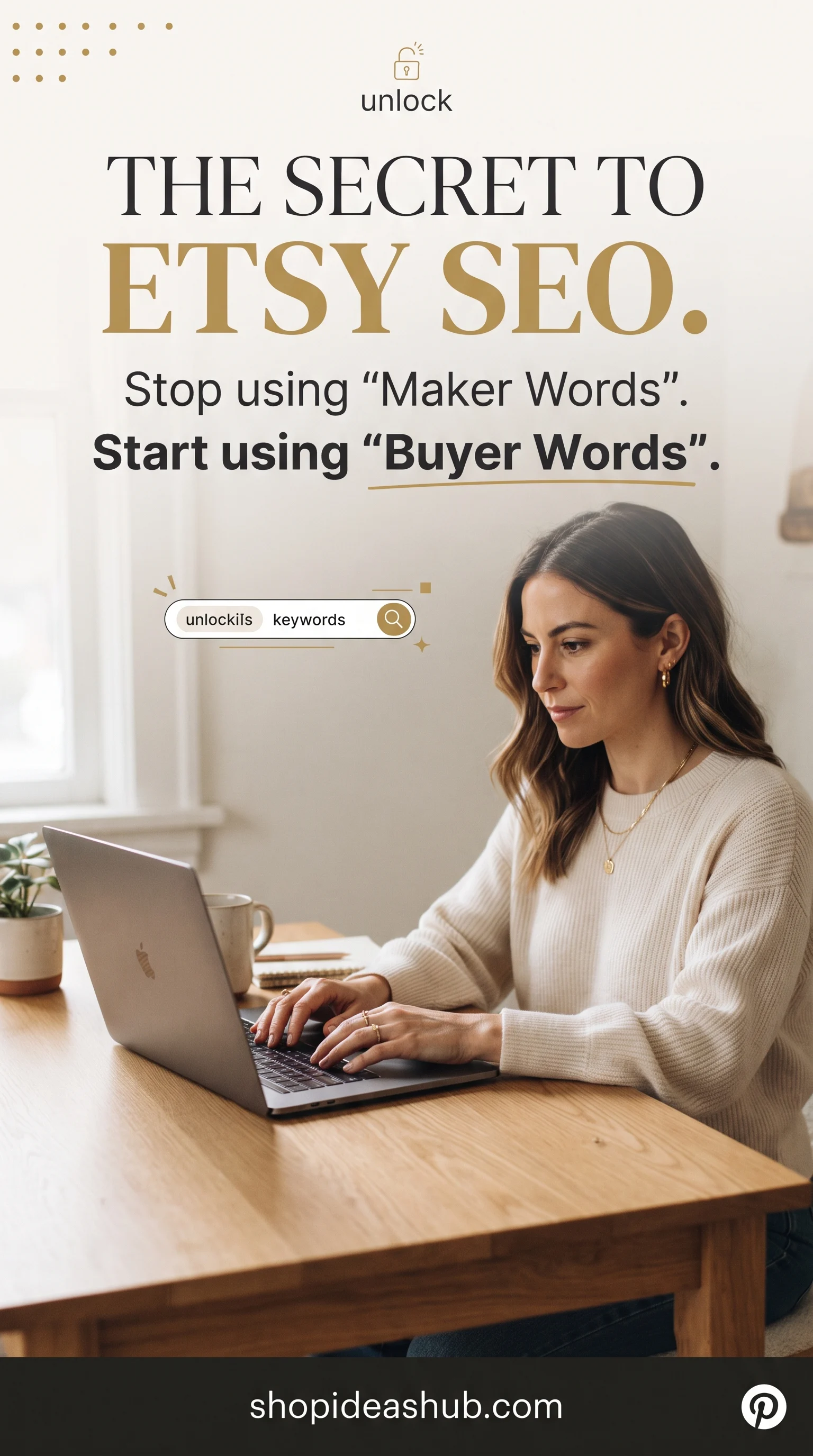
Write the listing in the words a buyer types, not the words a maker uses. Put the plain category first, then your detail, for example “Editable wedding planner template”. For the platform side, digital products to sell on Etsy and selling printables on Etsy go deeper, and tracking your numbers shows what to watch from week one.
Key takeaways
- Set the canvas size and 300 DPI before you draw a single layer.
- Budget more time for the preview image than for the file itself.
- Keep the licence file next to every product and use libraries that allow resale.
- Build three products, then compare views, saves and clicks.
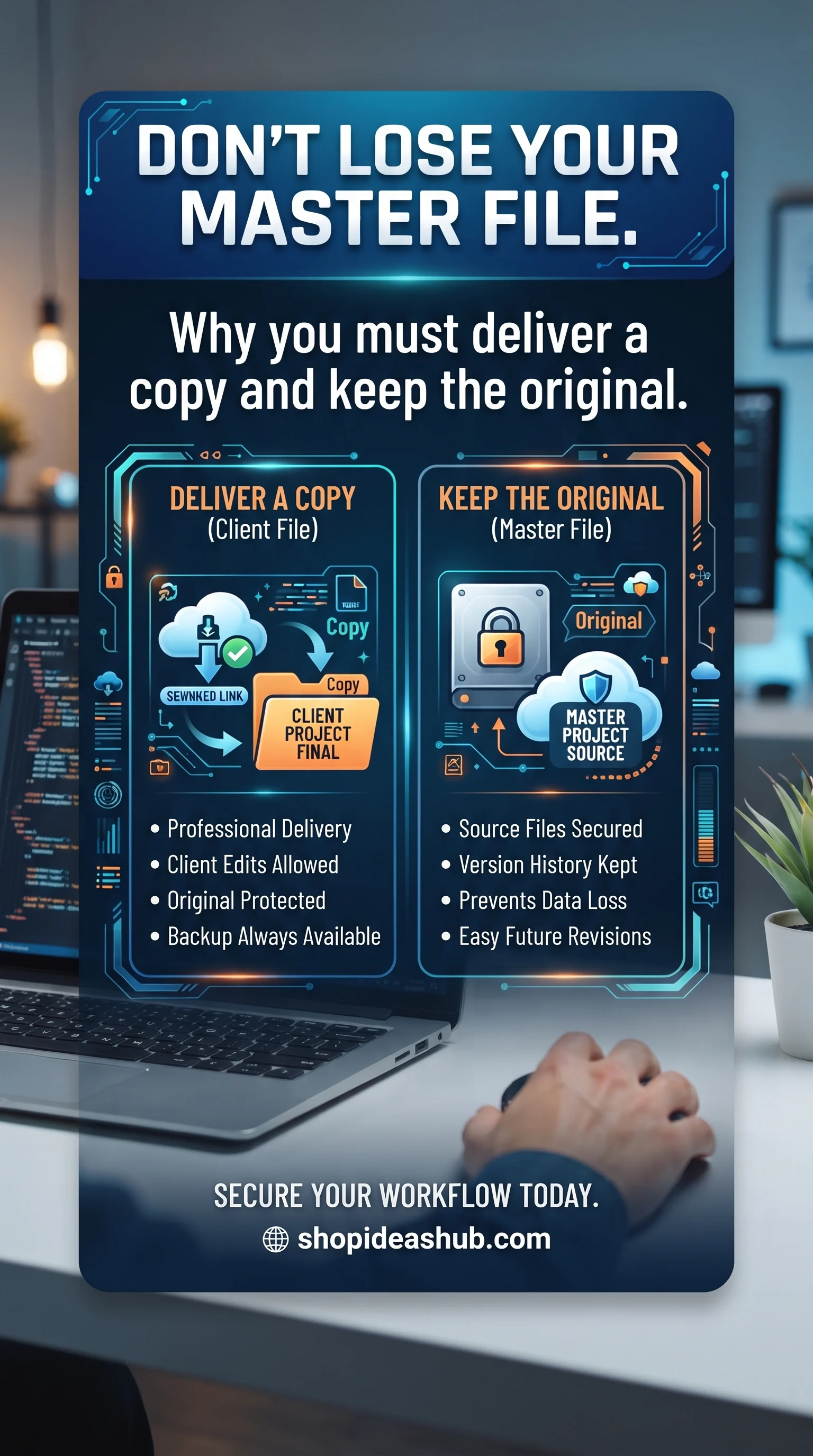
- Deliver a copy to the buyer and keep your master untouched.
- Start with a commercial licence template so the rights question is closed from day one.
When the Free Version Isn’t Enough
A free tool covers the design. It does not cover the right to resell the pieces inside it. Check demand with eRank, then take a template with free commercial use or a paid pack whose licence names resale in writing.
Common questions
How to create digital products to sell on Etsy?
Pick one buyer and one file format, set the canvas size, build in Canva, then make a preview image and an instructions page. List it as a digital item with instant download and write the title in the words buyers type.
How to create digital products to sell online for free?
Use a free Canva account and a template you understand, with fonts and graphics that allow commercial use. Free tools cover the design, but check the licence of every element before you sell the file.
How to create digital products to sell on Canva?
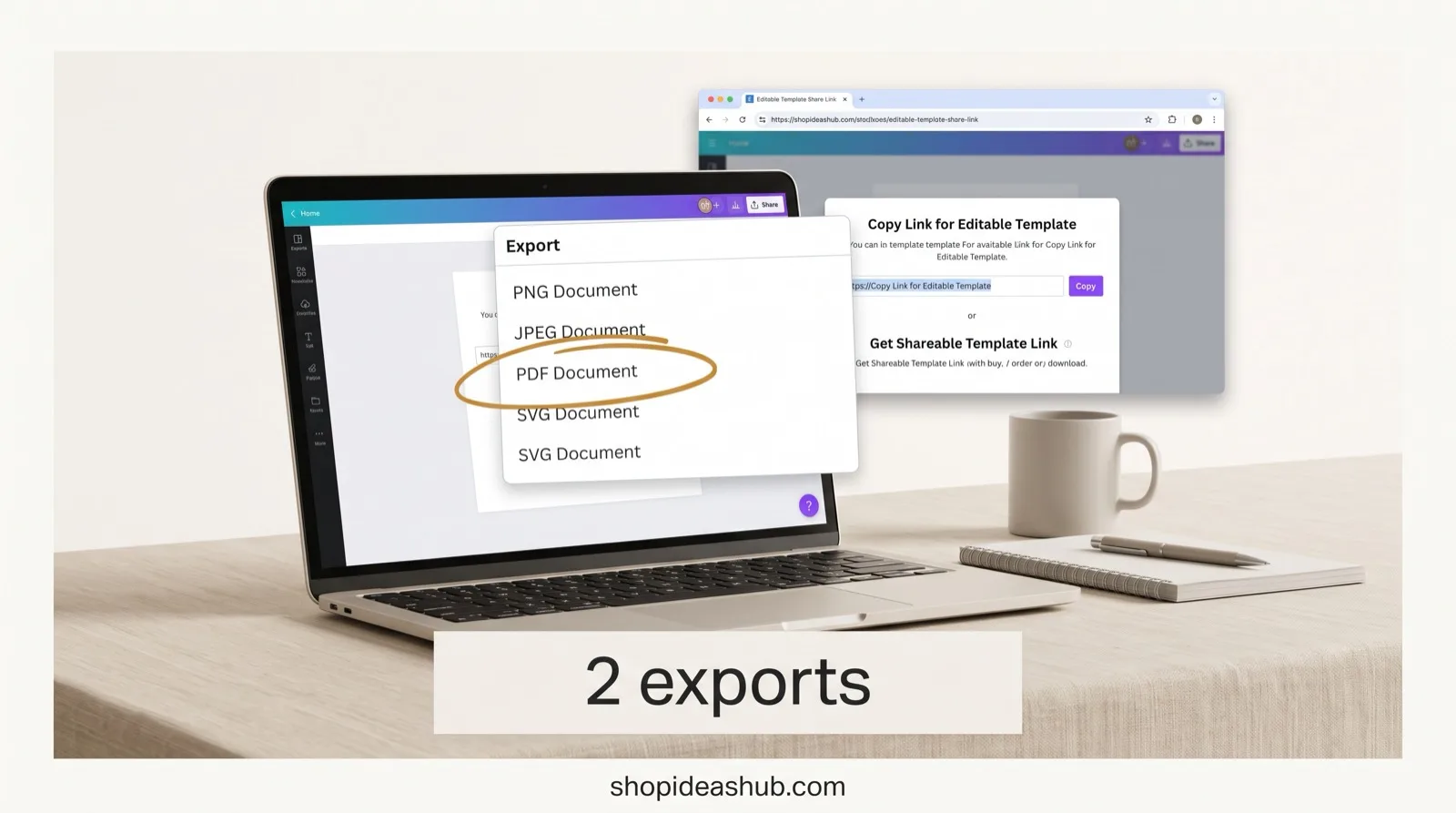
Build the design in Canva, export a flattened PDF for print or share a template link for editing. A template link must make each buyer a copy, so write that step on the instructions page.
How to create digital products to sell on Shopify, Amazon or Instagram?
The file stays the same, only delivery changes. Shopify needs a digital downloads app, Amazon has its own rules for digital content, and on Instagram or Pinterest you send people to your listing.
Can you make money selling digital products?
Yes, but not from one file. Sellers compare three products, fix the weakest preview and track views, favourites and sales weekly. Results depend on demand and licence safety, so check both.
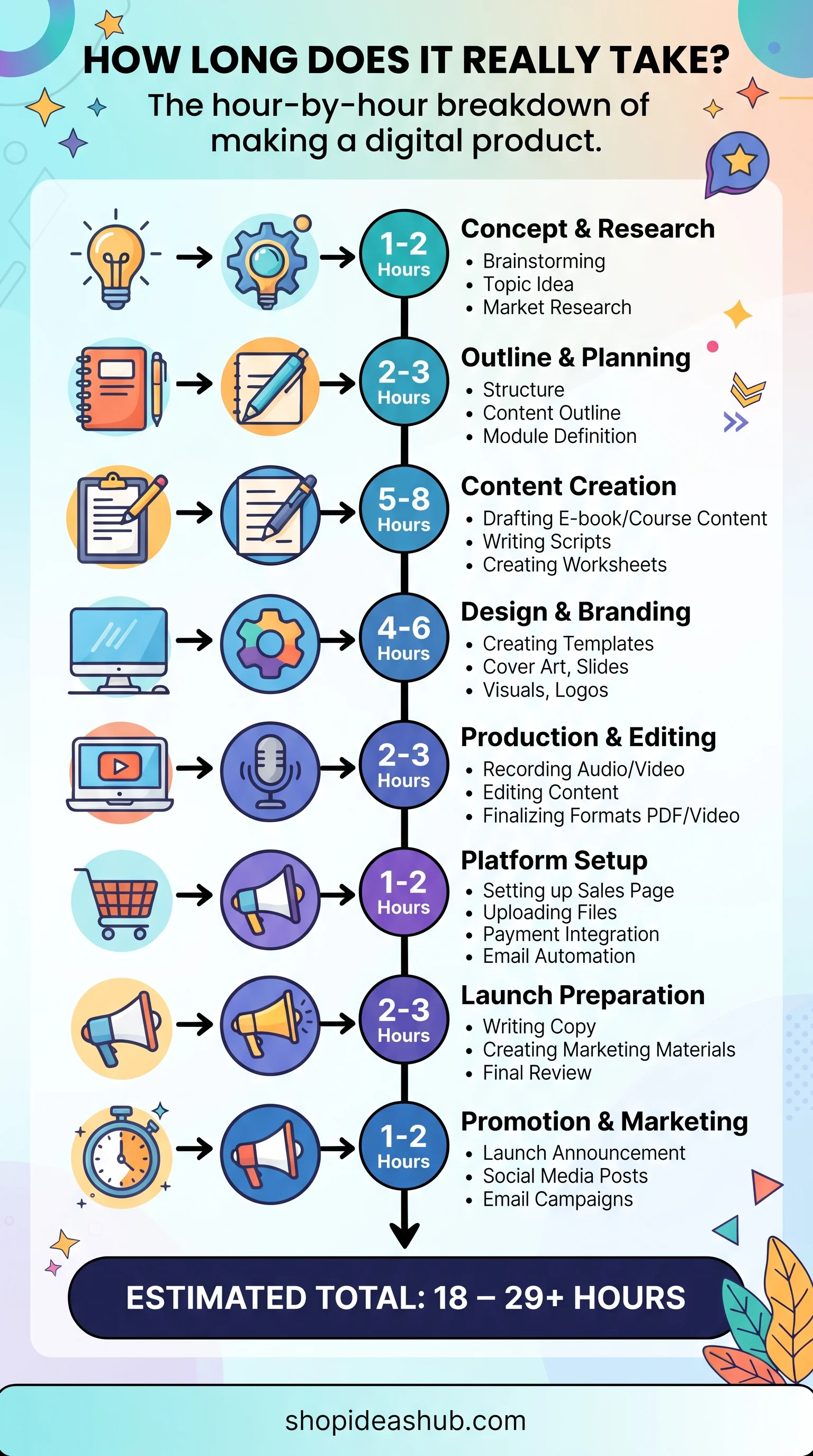
How long does one digital product take to make?
Plan an afternoon for the file and about as long again for the preview, instructions and listing. The preview often takes longer than the design, so budget for it first.
What are digital products to sell?
As the digital products analytics page shows, they are downloadable files such as planners, wall art, Canva templates, spreadsheets, mockups and clipart. The buyer gets a file and the right to use it, and nothing is shipped.
Need more ideas? See side hustles or digital products to sell, digital products to sell online, side hustle ideas and Etsy shop ideas.