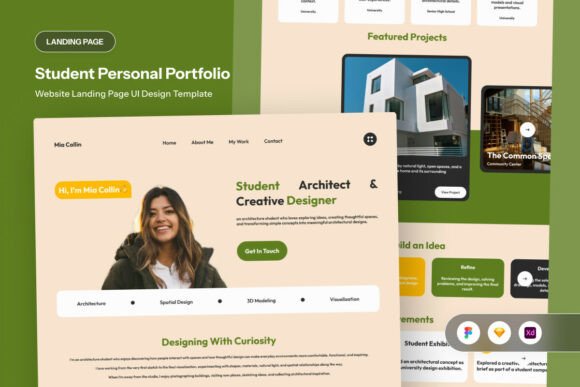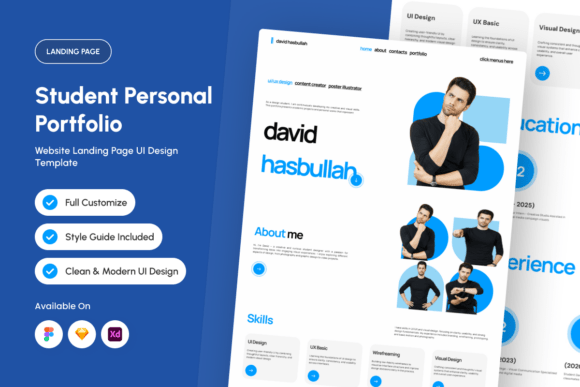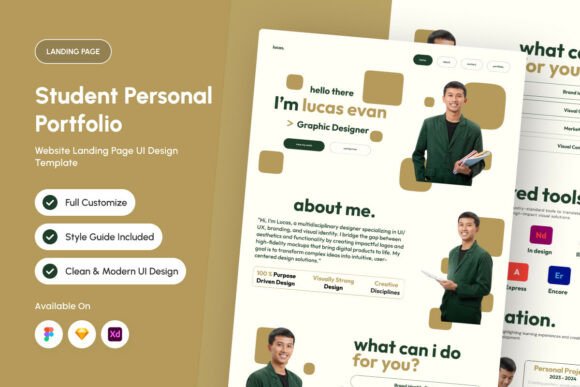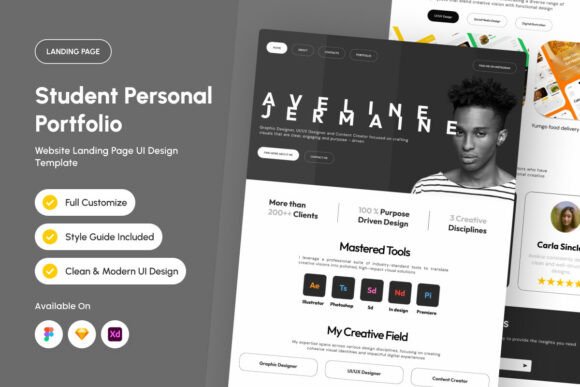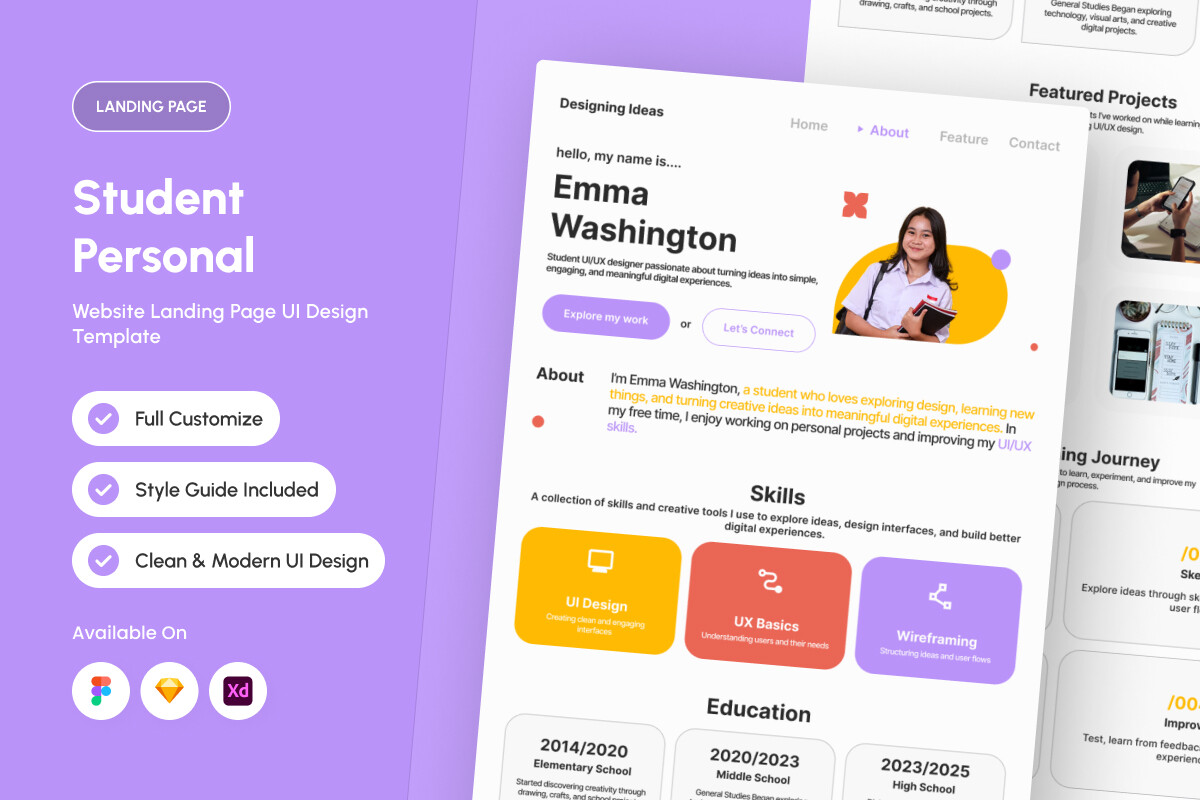
About Emma – Student Portfolio Landing Page
This is the one we reach for when the request is academic. Emma – Student Portfolio Landing Page keeps it simple, which is why it sits here rather than in the reserve pile. Productype made it. The save count is at zero, so there is nothing to lean on but the preview and our reading of it. Nobody has reviewed it, which we do not hold against a new file — but it does mean the preview is the only honest evidence.
If you want one use for it, take branding: that is the direction the designer clearly had in mind, and it is the one we would follow. If you plan to resell the result, read the licence tab first — commercial use is a property of the file, not of your intentions. The licence tab and the full-size preview are the whole of our due diligence here, and they take about a minute between them.
Emma – Student Portfolio Landing Page Specifications
| Template name | Emma – Student Portfolio Landing Page |
|---|---|
| Designer | Productype |
| Template type | Templates to Sell |
| Format | Digital download |
How to use this template
- Download the file from Creative Fabrica and open the licence first — commercial resale is granted separately, and a template you cannot sell is a template you cannot use.
- Open the Canva link with «Use template» so you edit a copy; files for print come as a PDF at the trim size stated in the listing.
- Change enough to make the listing yours — fonts, palette, cover, order of pages. The same untouched template is already on the first page of search.
- Export a test copy at final size and read it on a phone before you upload: that is where most buyers will look at it first.
Download Details
- Format: Digital download
- Files: listed on the Creative Fabrica page for this template
- Licence: whichever licence Creative Fabrica shows for this file — check it there before you sell what you make